Exporting Data
Start by choosing the filters. (See Setting Filters). Make sure you have the documents you want to export selected.
Then click “List XX Reports”
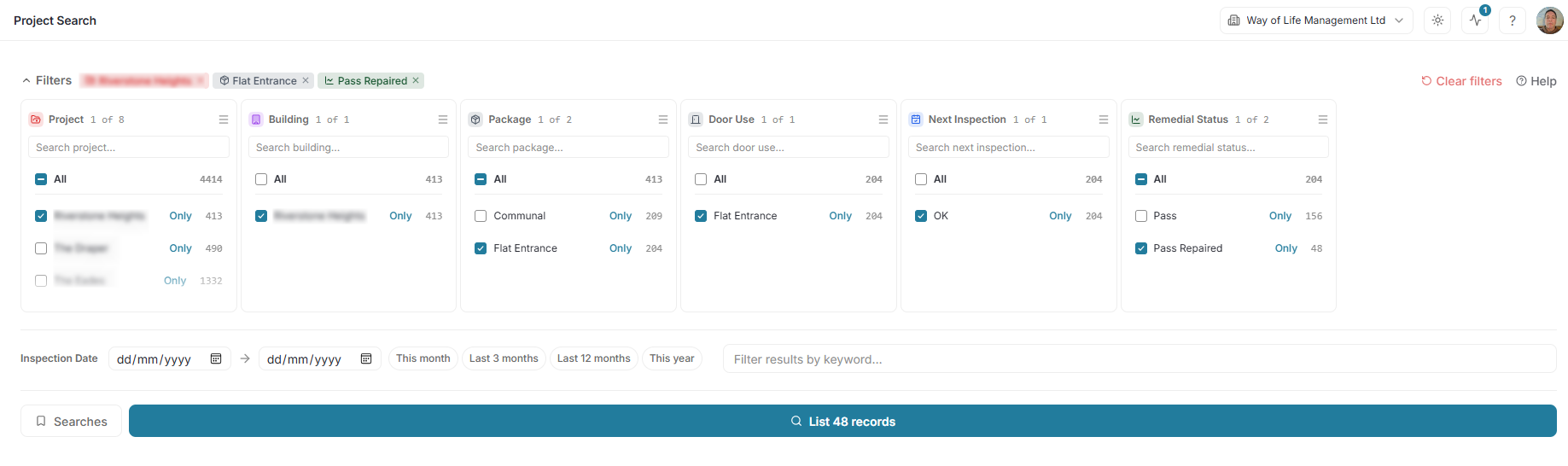
This provides a list of the reports.
By default all are selected, but you select or unselect particular doors if preferred.
Then select “Bulk Actions”

Select Export Certificates
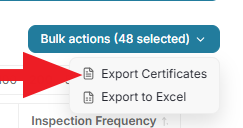
Complete the options provided (if any), and click “Build”.
Select Export to Excel
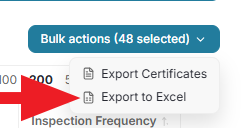
Choose the columns to include in the report (or leave the default for all available)
Click Export